Built for the M-PESA flow
- Pick a plan
- Pay by M-PESA
- Online in seconds
- Matched to the ledger
M-PESA hotspot billing without the till number gymnastics
Most hotspot owners selling WiFi with M-PESA start the manual way: a till number taped to the wall, payment messages read back one by one, and access handed out by hand. It works until the third customer is waiting. XenFi's M-PESA WiFi billing system removes every one of those steps: the customer picks a plan on your captive portal, pays by M-PESA, and their device is online the moment the confirmation arrives.
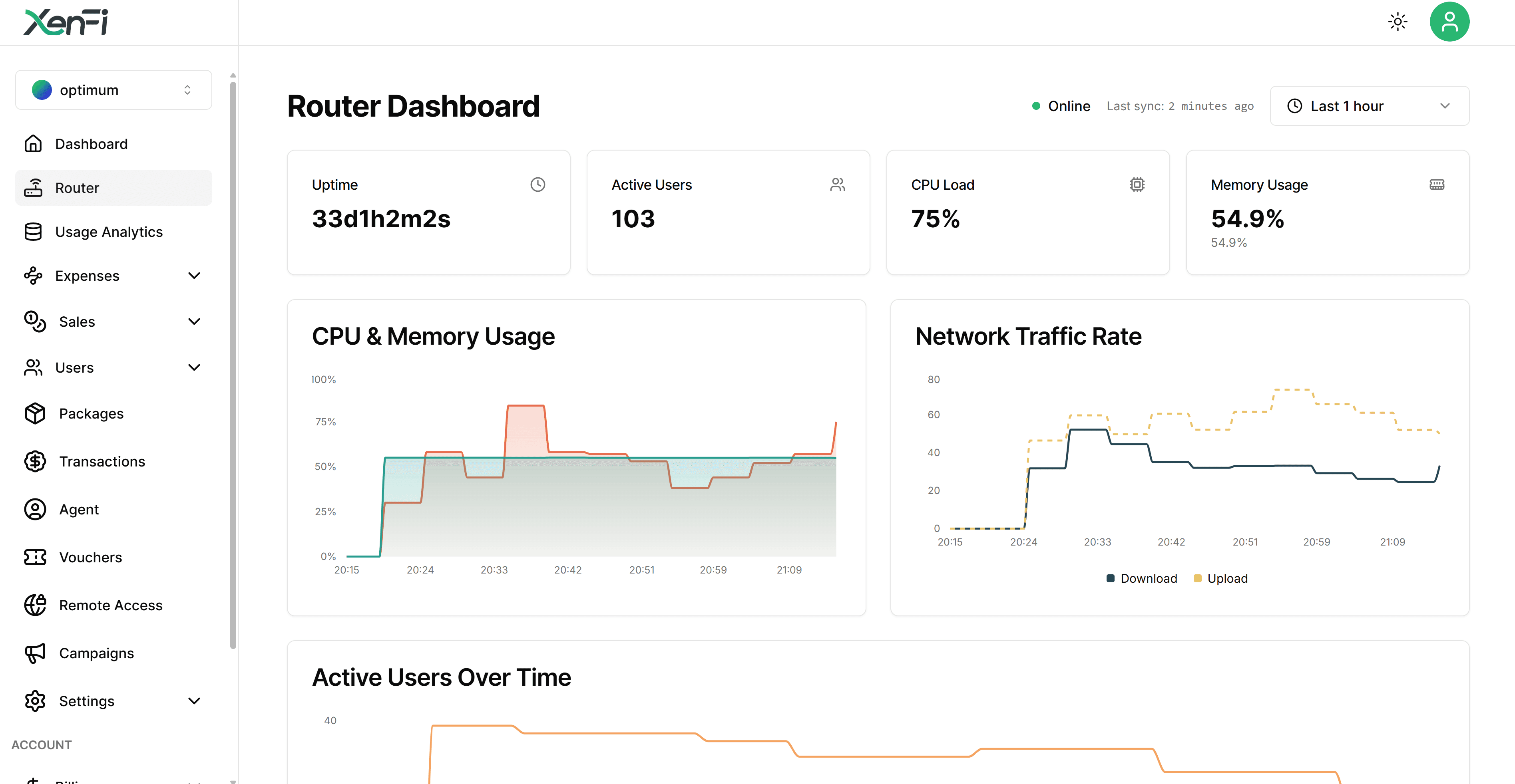
Because every payment is matched to a session automatically, M-PESA ISP billing on XenFi also fixes the quiet losses: no more free riders after a router reboot, no more sales that never reached the book, and a dashboard that shows exactly what each hotspot earned today.
Instant activation
Sessions start the moment M-PESA confirms, with no code typing and no waiting at the counter.
Branded captive portal
Your plans and your name on the login page customers see when they join the network.
MikroTik M-PESA billing
RouterOS hotspots pair with M-PESA out of the box, alongside UniFi, Omada and Ruijie.
Per-sale reconciliation
Every shilling is matched to a session and a plan, so totals agree without evening bookkeeping.
Fallback vouchers
Cash customers still get QR vouchers or SMS codes sold by you or your agents.
Anti-leak enforcement
Expired plans actually expire, even across router reboots, so paid access stays paid.
Live in an afternoon
01
Connect the hotspot
Point your router at XenFi's cloud and put the branded portal in front of your WiFi.
02
Price your bundles
Hours, days or data caps in Kenyan shillings, tuned to your location and crowd.
03
Let M-PESA sell
Customers pay from their own phones around the clock while the dashboard keeps score.
Straight answers
- How fast does access start after an M-PESA payment?
- Activation is automatic and takes seconds: as soon as the payment is confirmed, the customer's device is granted access under the plan they chose.
- Do my customers need an app?
- No. They connect to your WiFi, see your portal, choose a plan and pay with M-PESA from their own phone. Nothing to install.
- Which routers support M-PESA WiFi billing on XenFi?
- MikroTik, Ubiquiti UniFi, TP-Link Omada and Ruijie Reyee are supported directly, and any RADIUS-capable router can connect through the cloud RADIUS core.
- Can I mix M-PESA with vouchers and cash agents?
- Yes. M-PESA, printed QR vouchers and agent cash sales run side by side, and all of them land in the same ledger.